> ## Documentation Index
> Fetch the complete documentation index at: https://docs.admanage.ai/llms.txt
> Use this file to discover all available pages before exploring further.
# Make.com Integration
> Connect AdManage to Make.com to automate your ad workflows

## Prerequisites
You need an active Admanage.ai account
1. Sign in to your AdManage account and navigate to the [API Keys page](https://admanage.ai/connect)
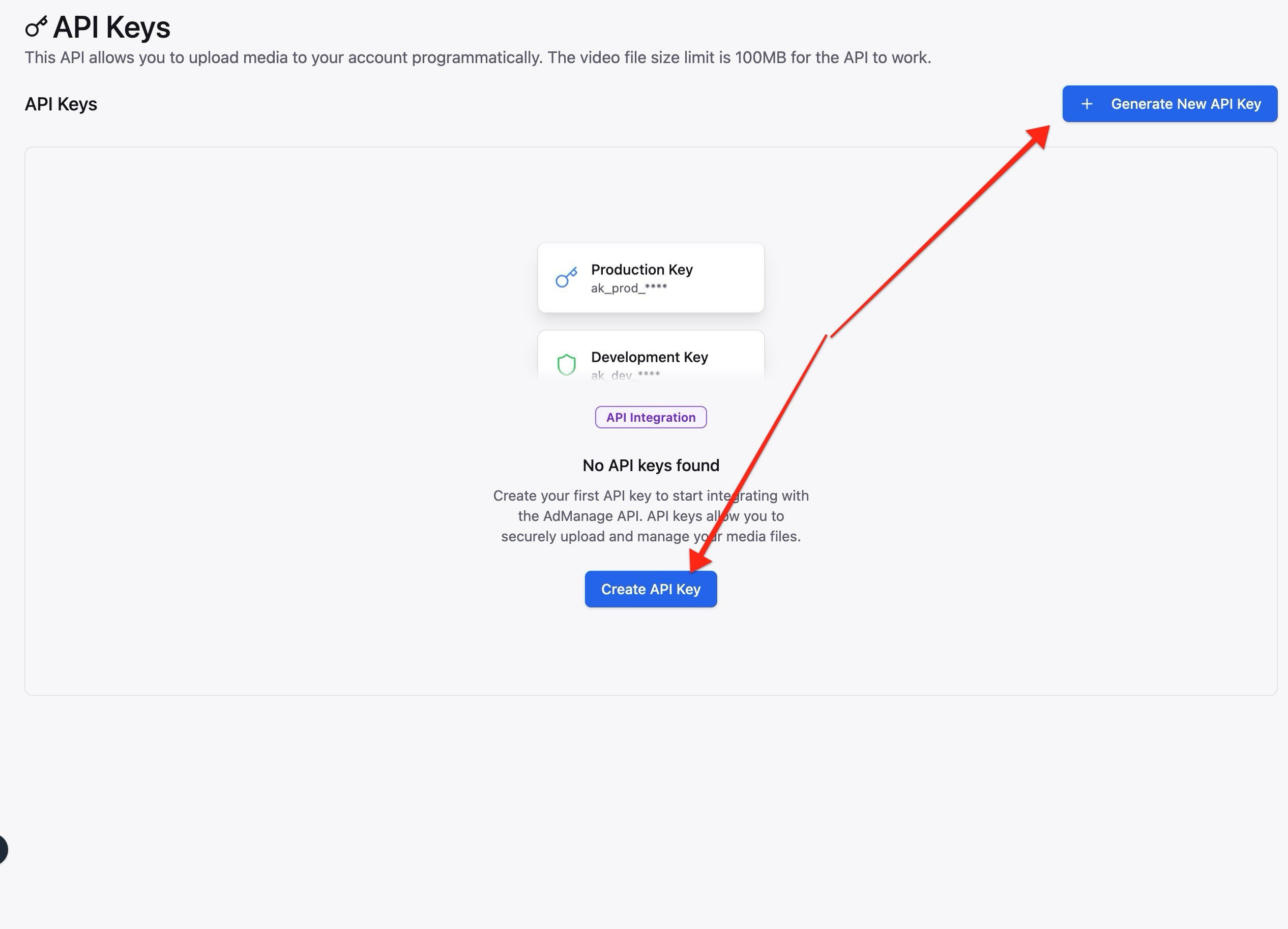
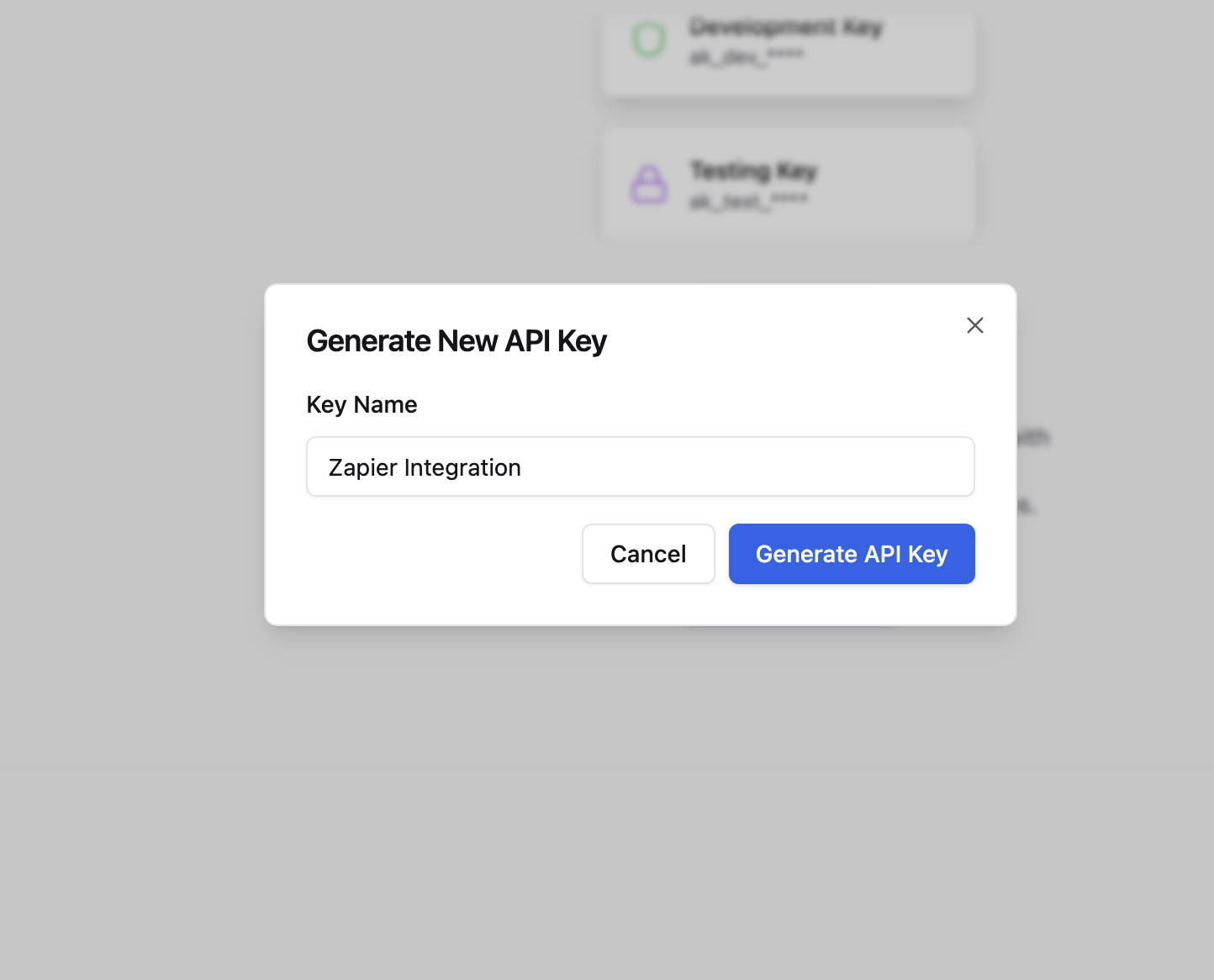
2. Create a new API key by clicking "Create API Key"
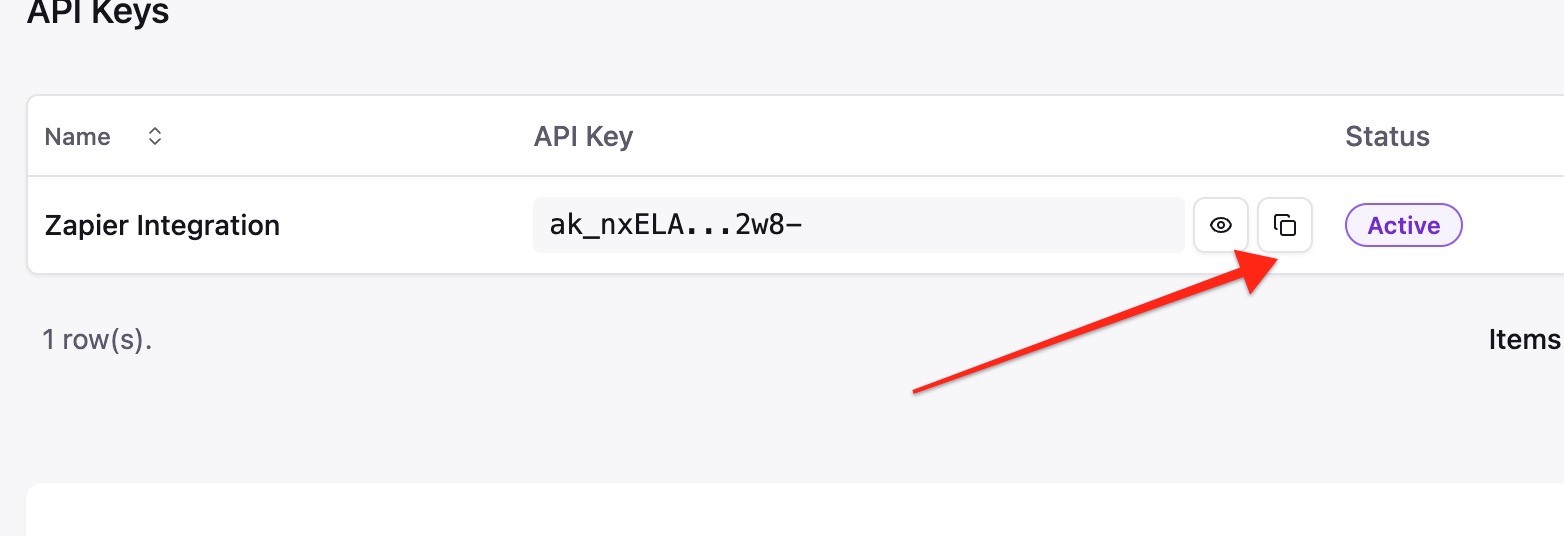
3. Copy your API key
4. Go to your Make scenario and search for the Admanage app
5. Paste your API Key in the connection.
✅ Congratulations You can now use any of the Admanage modules in your scenarios.
For more information about the upload endpoint and how to use it, check out our [API documentation](/api-references/upload).